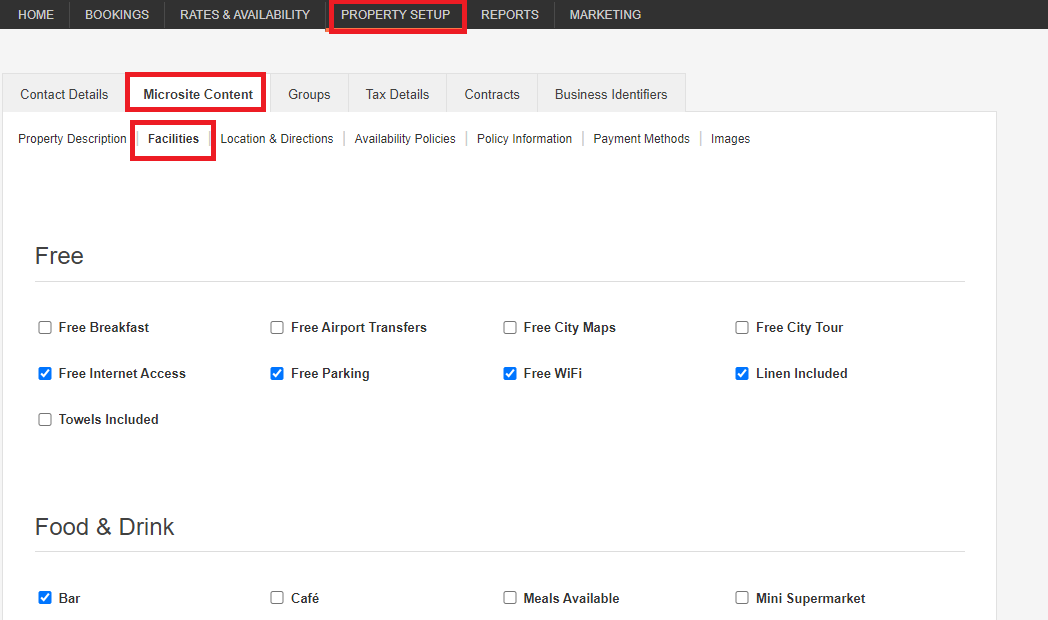
Log in onto your Hostelworld Inbox and click on Property Setup - Microsite Content - Facilities
How do I update my property facilities, description, and policies in Hostelworld?
To update your property details in Hostelworld, log in to your Hostelworld Inbox and navigate to Property Setup > Microsite Content. From there you can update Facilities, Property Description, and Policy Information separately. Always ensure the information reflects your current offerings.
How do I update my property facilities?
- Log in to your Hostelworld Inbox.
- Go to Property Setup > Microsite Content > Facilities.
- Review the list and select only the facilities that apply to your property — keeping things accurate helps travellers find the right fit!
Update your property description and conditions whenever information changes — for example, if you no longer offer free breakfast, make sure that's reflected so travellers always have accurate information.
How do I update my property description?
- Log in to your Hostelworld Inbox.
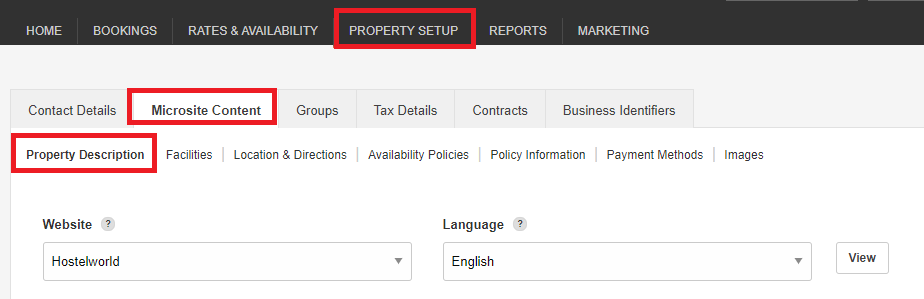
- Go to Property Setup > Microsite Content > Property Description.
- Update your text to reflect your current information.
How do I update my property policies and conditions?
- Log in to your Hostelworld Inbox.
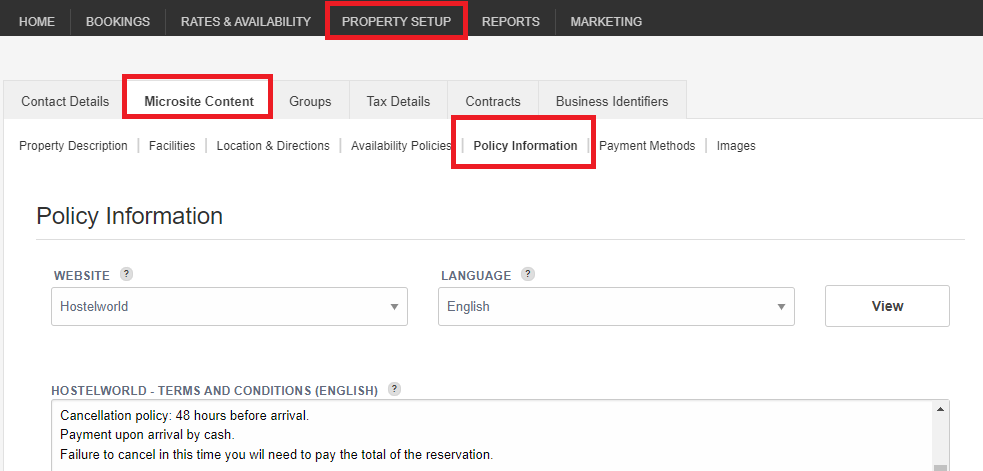
- Go to Property Setup > Microsite Content > Policy Information.
- Review and update your conditions to reflect any changes.